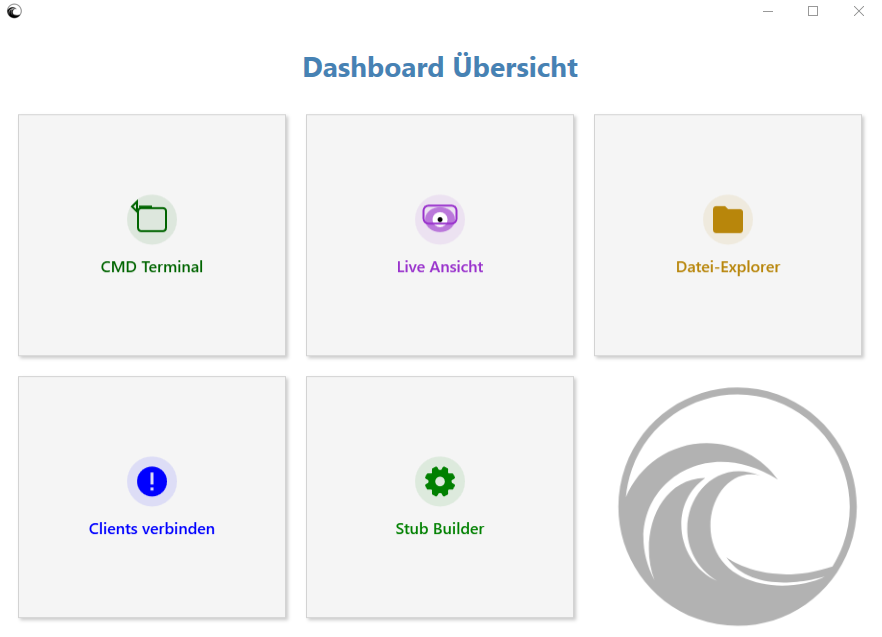
Dashboard Overview & Features
CMD Terminal
Access the target system's command line directly. Execute remote commands, scripts, and system diagnostics seamlessly and in real-time without disturbing the client's user interface.
Live View
Monitor connected clients in real-time. The Live View allows you to stream the remote device's current screen, providing direct visual insights into ongoing processes.
File Explorer
Clear remote file view. Easily navigate through the client's file system to view existing folder structures and files, and download required documents directly.
Connect Clients
Central management for all your connections. Keep track of the status of all active sessions, authenticate new clients, and securely manage network communication from a single location.
Stub Builder
Create customized and configured client files (Stubs). Adjust connection settings and generate the executable files required to connect new systems to the Nexa Remote Dashboard.